 Scana App
Scan an ID card. Print it at real size.
Scana puts the front and back of a card on one page at exactly 85.6 × 53.98 mm, so the print looks like the original. Documents become clean multi-page PDFs. Everything happens on your phone.
Free. No account. iPhone version coming soon.
What comes out of the app, as a PDF or image.
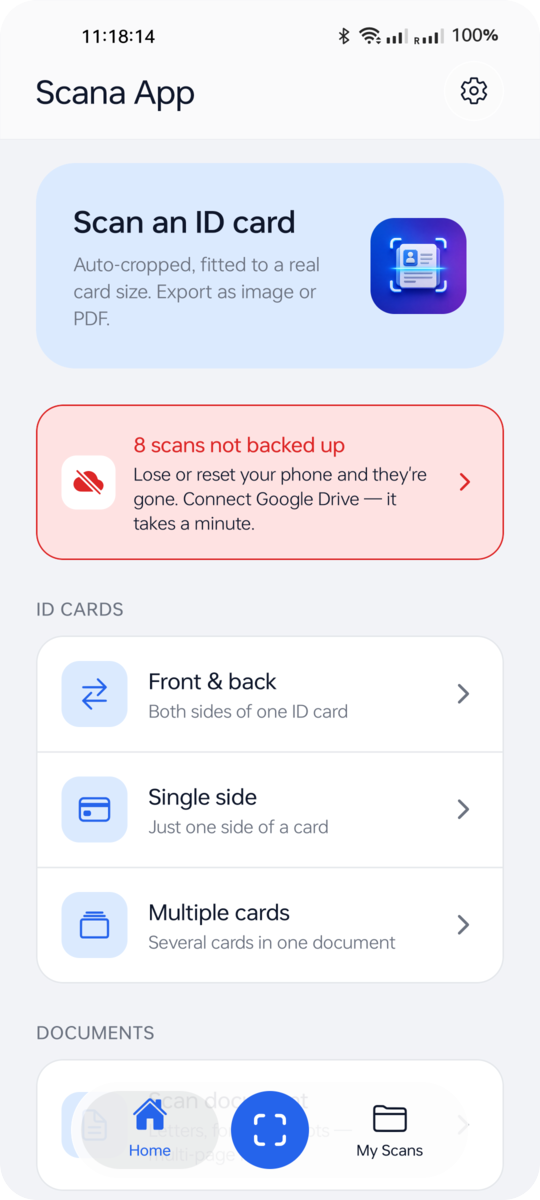
Three taps from card to file
The scanner finds the edges and fixes the angle for you. You only choose how it should look.
Point the camera
Pick front & back, a single side, several cards, or a document. The camera opens straight away and detects the edges.
Choose the page
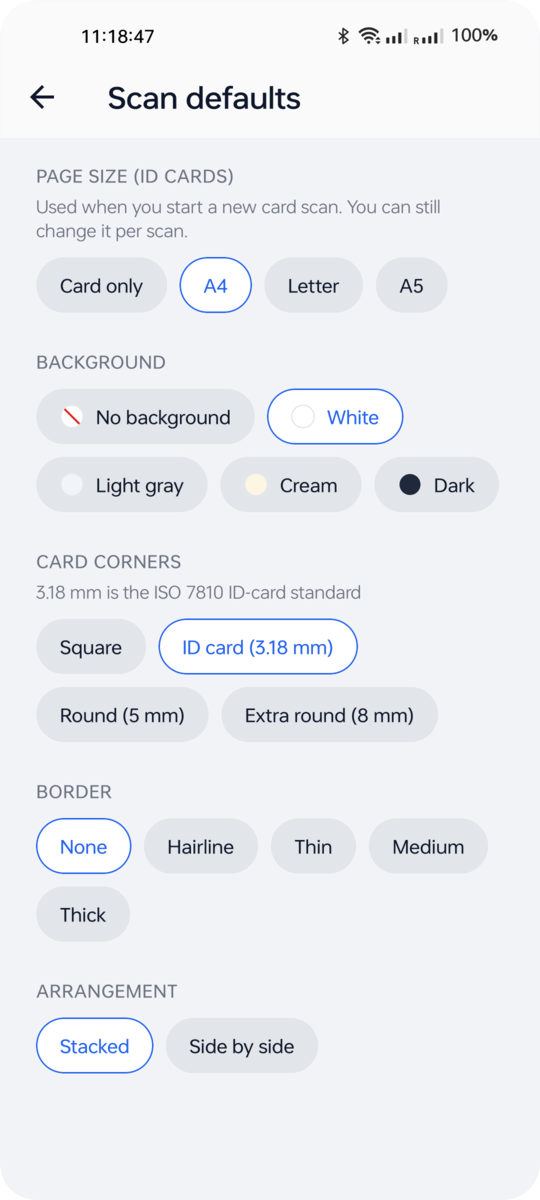
Card only, A4, Letter or A5. Real card corners, an optional border, and a background from transparent to dark.
Save or share
PDF, PNG or JPG lands in Downloads, or goes straight to WhatsApp, email or any app you pick.
Built for the everyday “send me a copy of your ID”
- True-size cards
- ISO ID-1 dimensions with a 3.18 mm corner radius, so a print matches the real card. Or scale to 1.5× and 2× when you need it bigger.
- Both sides on one page
- Front and back stacked or side by side, centred on the page. Several cards on one sheet if you like.
- Documents to PDF
- Letters, forms and receipts, page after page. Reorder, retake or remove any page before you export.
- Any format, any time
- My Scans keeps the pages and the layout, not just a file. Open a scan later and export it again as PDF, PNG or JPG.
- Named the way you want
- Name a file before saving, rename it later, and find it by search in My Scans.
- Your own Google Drive
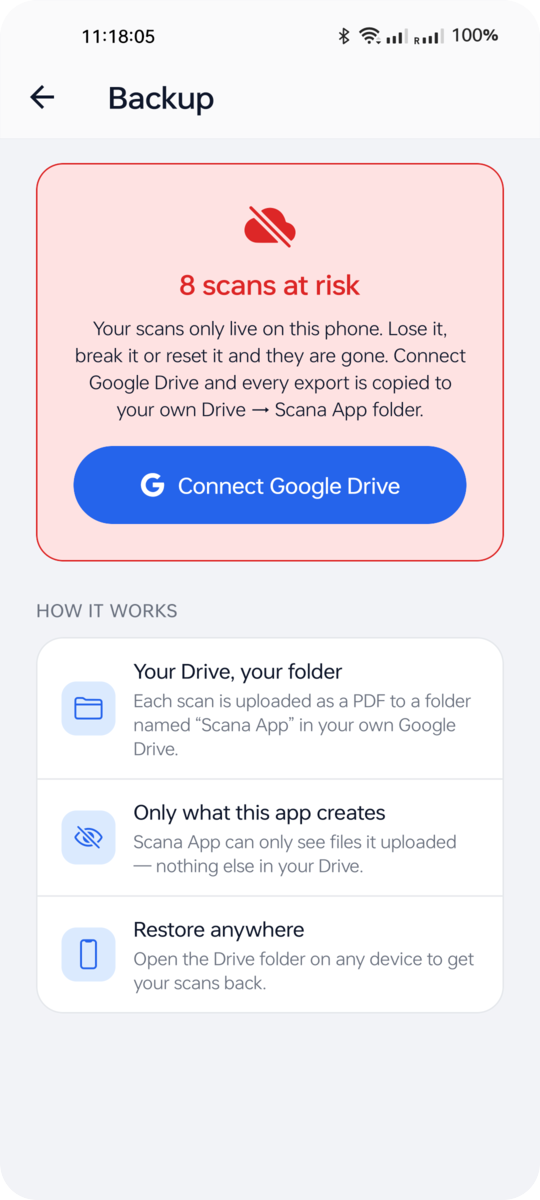
- Optional backup of every scan as a PDF into a folder in your Drive. The app can only see the files it created.
Your ID stays on your phone
- Scanning, cropping and layout run on the device. We have no servers that receive your scans.
- No accounts, no ads, no analytics, no tracking. The only network request is a small configuration download for update notices.
- Google Drive backup is off until you turn it on, uses your own account, and is limited to files the app creates.
- Saved files are ordinary files in Downloads or Photos. Delete them there whenever you want.
Read the full privacy policy.
Questions people ask
Will the printed card really be the same size as my card?
Yes. Cards are placed at 85.6 × 53.98 mm on a standard page. Print the PDF at 100 % (turn off “fit to page”) and the printed card matches the original.
Does it work for Aadhaar, PAN, voter ID and driving licences?
Any card with the standard ID-1 size works, which includes those. For documents, use Scan document and it will keep the paper’s own proportions.
Where do my files go?
On Android they are saved to Downloads / Scana App and, if you allow it, to Photos. On iPhone they go to Files → On My iPhone → Scana App. Sharing sends the file to the app you choose.
Do I need an account?
No. The app works without signing in. Only the optional Google Drive backup asks you to sign in with Google, and that stays on your phone.
Is there an iPhone version?
It is built and being prepared for the App Store. The Android app is available on Google Play today.